Building a Waitlist: The 4 Phases That Actually Work
Waitlists usually fail because founders mistake curiosity for genuine buying intent. You need real commitments — a credit card, a scheduled call, an interview — not just clicks on "yes, keep me posted." Building a waitlist really means four phases over roughly 30 days, from your first landing page to your first paying contact.
I've gotten this wrong myself a few times. A slick landing page, an email field, a little advertising behind it, and in the end I had a long list of addresses, almost none of whom bought anything at launch. The landing page wasn't the problem. The problem was that I'd never checked whether people actually had the problem I wanted to solve.
Why Most Waitlists Fizzle Out
A waitlist is only as good as the interest behind it, and most founders confuse curiosity with genuine buying intent. Someone who clicks "yes, keep me posted" hasn't invested five minutes of their life yet. They've clicked a button.
The mistake in thinking: many people build the landing page first and only afterward ask themselves whether anyone actually needs the product. That's backwards. Before you write a single line of code, you should know whether enough people feel the problem you want to solve. That's exactly the idea behind defining your target audience: understand the people first, then build.
A list of 500 emails is worthless if nobody pays. A waitlist made of real commitments, on the other hand, is a sales pipeline. That difference often decides whether your launch day is a success or a disappointment.
The Commitment Principle
Words cost nothing. That's the hardest lesson in building a waitlist. "Sounds cool" or "I'd use that" are nice things to hear, but they tell you nothing about whether someone will actually pay.
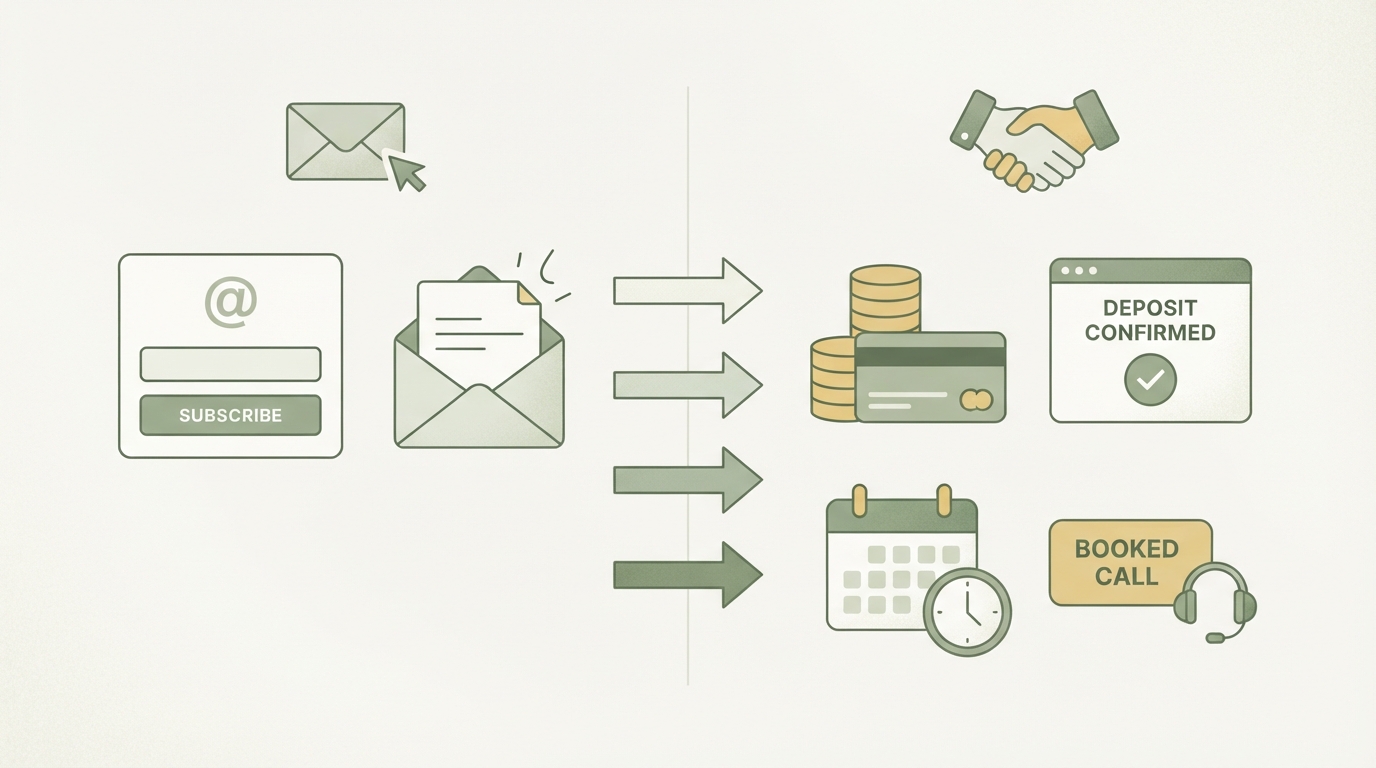
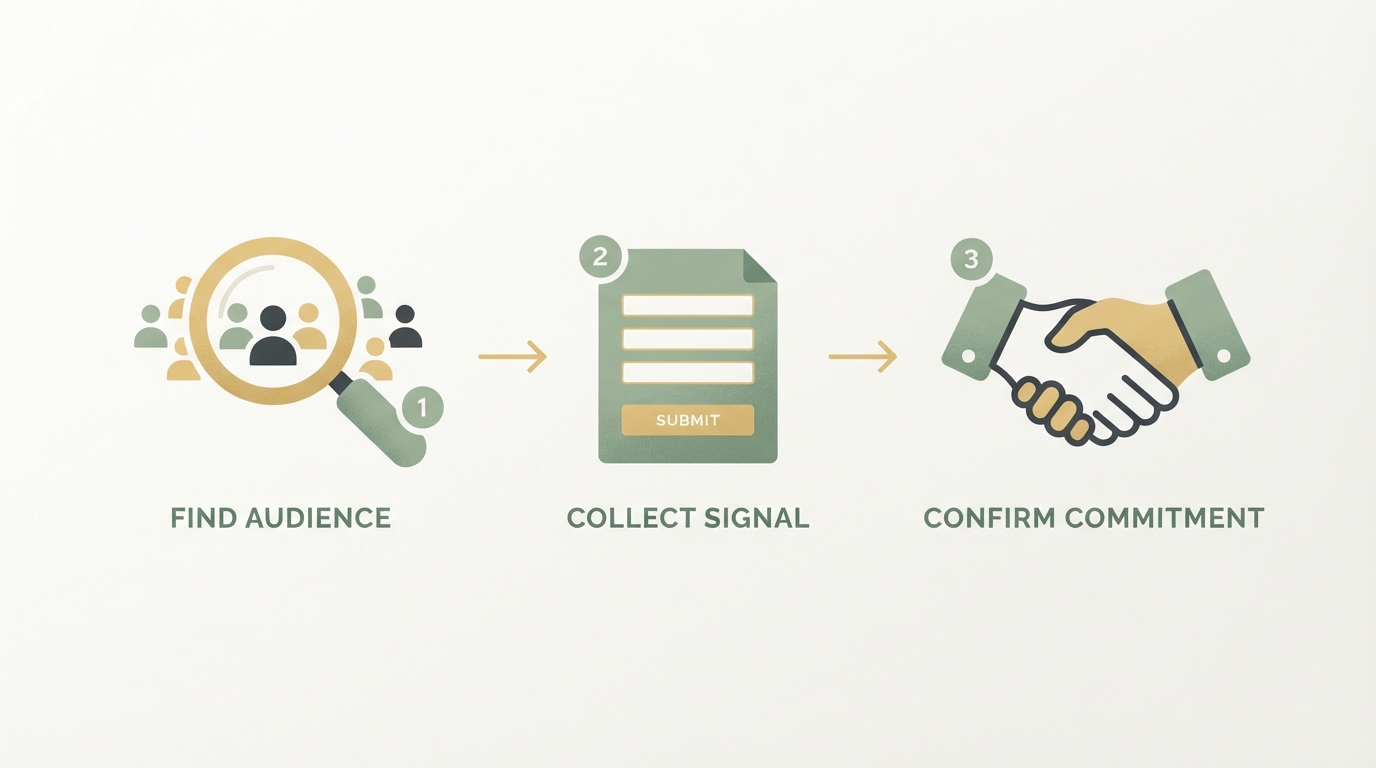
What counts is an action that has a real cost to the person taking it. That could be a credit card for a pre-order, a firm commitment to a beta date, or a willingness to give a 20-minute interview. Someone who won't even spare five minutes of their time won't pay later either. That rule of thumb has helped me more than any conversion optimization on the landing page itself.
Building a Waitlist: The 4 Phases That Actually Work
A clean build runs through four phases, not a single "put up a landing page" step. Skip this sequence and you often end up spending months building a product nobody wants.
Phase 1: A Fake-Door Test Instead of Gut Feeling
Before you build anything, put up a simple landing page that describes your product as if it already existed. A tool like Carrd is more than enough for this, and it costs barely more than a pizza per year. The page needs to clearly state who the product is for and what problem it solves.
I always track how many visitors actually land there and how many sign up. If that rate is above 10 percent, it's a signal worth taking seriously. If it's below that, either you're targeting the wrong audience, or the problem isn't as urgent as you thought. This is where narrowing your target audience can help, since an overly broad pitch is often the reason behind weak numbers.
Phase 2: The First Two Weeks — Landing Page Plus Collecting Initial Emails
For the first one to two weeks, the only goal is driving traffic to the fake-door page and collecting a few dozen email addresses — enough for initial conversations. That's enough of a base to move on to phase 3.
Important: at this stage, you're not selling anything yet. You're just gathering interest, nothing more.
Phase 3: Weeks Two to Three — Running Problem Interviews
Now you talk to some of the people who signed up — but not about your product. You ask about their problem, their current workaround, how often the problem comes up, and what it costs them when it goes unsolved.
This is essentially the Mom Test: ask about real behaviors instead of opinions about your idea. So never ask whether your idea is good, because everyone will be nice and say yes. Instead, ask about the person's past and present, not their opinion of your future. If someone tells you how they tried to solve the problem with a spreadsheet last week, that tells you more than an entire star-rating survey.
Phase 4: Weeks Three to Four — Offering Beta Access in Exchange for Real Commitment
Now comes the moment of truth. You offer your warmest contacts discounted early access, but tied to a small deposit or pre-order. Anyone who pays here, even a small amount, has just given you an honest answer. So has anyone who hesitates or dodges the offer.
Together, these four phases form a 30-day cycle that turns a vague idea into a list of real, purchase-ready people. That's worth a lot more than 500 cold email addresses from an ad campaign.
Waitlist vs. Waitlist SaaS: Do You Need a Tool for This?
A dedicated waitlist SaaS usually only pays off once you want to add gamification, leaderboards, or referral mechanics. For a plain start, a simple landing page with a form is more than enough.
The well-known waitlist tools offer features like showing your position in line, referral boosts ("bring 3 friends, jump 10 spots"), or automatic segmentation based on form answers. That can genuinely pay off for viral products with a broad audience.
For a B2B micro-SaaS with a narrow niche, the effort often isn't justified. You're only talking to a few dozen people anyway, not tens of thousands.
| Criterion | Simple Landing Page | Dedicated Waitlist SaaS |
|---|---|---|
| Setup time | Usually under a day | Often several days |
| Cost | Roughly $15–20/year (estimated, Carrd etc.) | Often $20–50/month (estimated) |
| Referral mechanics | Not built in | Usually included |
| Makes sense for | Narrow B2B niche | Broad, viral audience |
| Risk | Less "wow" factor | Can distract from the core question |
The table shows that the decision depends almost entirely on how broad your target audience is. A tool like SnapTrade, for instance, which connects fintech apps to brokerage accounts, addresses a very specific B2B use case and probably doesn't need a viral waitlist with a refer-a-friend mechanic. A consumer product with a broad audience, on the other hand, often benefits a lot from one.
Pre-Launch Marketing: How to Actually Drive Traffic to Your Waitlist
Without visibility, any waitlist stays empty, no matter how well the page is built. The trick during the pre-launch phase is to help, not sell.
This works best through community marketing: go where your audience is already talking about their problem — forums, subreddits, Slack or Discord communities — and answer real questions with real value. Mention your product at most at the end, as one possible option among several. People buy from those who helped them first, not from those who advertise the loudest.
Cold email outreach can work too, if it's structured right. A structure that's worked well for me is 60 percent describing the problem, 30 percent your approach to solving it, 10 percent proof, like a short case study or clip. If you start selling in the first sentence, you lose most readers instantly. You can find more on this in Cold Email Outreach.
On LinkedIn, too, restraint counts for more than blatant self-promotion. The LinkedIn outreach article covers the most common mistakes people make there.
Landing Page Copy: What Actually Convinces People
The copy on your waitlist page decides whether visitors sign up or click away. A good landing page answers three questions in the first few seconds: Who is this for? What problem does it solve? Why now?
Vague phrases like "the smartest solution for your business" don't get you anywhere, because they could apply to anyone and therefore aren't specific enough for anyone in particular. A clear statement works better, something like "for accountants who still enter receipts by hand" or "for agencies still building reports in Excel." The more precisely you name your niche, the more the right people will feel addressed.
If you already have an existing website and conversion is generally weak, it's worth taking a look at Optimizing Conversion, since many of the principles there apply directly to waitlist pages too.
Clean copy can be the difference between a handful of sign-ups and significantly more.
If you already have a clear positioning, this part is a lot easier. If you're not yet sure how you stand out from others, take a look at SaaS Positioning before you even start writing copy for the landing page.
In the end, one thing matters most: state clearly who the page is for. Everything else is fine-tuning.
What to Learn from the Answers Before You Build
Every answer from your interviews is a small building block for your product. If you only run the interviews to check a box, you're throwing away the real value.
Pay special attention to three things: the current workaround (what does the person do today, without your tool?), how often the problem occurs (daily, weekly, once a quarter?), and the emotional tone when the person talks about the problem. Frustration and annoyance are often a better signal than polite interest.
One more source: look at the 1- and 2-star reviews of existing solutions in your niche. What people complain about there is basically a ready-made roadmap for your own product.
This exact approach — deriving problems from real complaints instead of your own imagination — is one of the most reliable ways to know what you should actually be building.
If you're still unsure who your target audience even is before running your first interviews, Target Market, Target Audience, Persona can help you keep these terms straight. That sounds trivial, but many founders blur these three levels together and end up addressing the wrong people.
Building Trust Before the Product Even Exists
People are more likely to sign up if the page behind it feels credible, even if the product isn't finished yet. A legal notice (Impressum), a real face or a short video of you as the founder, and a few concrete details about the timeline build more trust than any polished design.
The moment "coming soon" appears somewhere with no date or context, a page feels unfinished and unserious. I notice that again and again.
A clear line like "planned launch in spring," or a note on the current development status, comes across as honest instead.
More transparency, not less, is what moves hesitant visitors to sign up. If you can share a rough product screenshot, a short Loom walkthrough of a prototype, or even a sketch of how the core workflow looks, do it. Showing your work — even when it's rough — signals that something real is happening, and that the person signing up is joining a project with actual momentum behind it.
Your Next Steps After Reading This
Start with the interviews before you touch a single line of landing page copy. Three to five conversations with people who genuinely have the problem you're solving will tell you more than any template or framework. Write down the exact phrases they use — those words belong in your headline and your subheadline, not your own.
Set up the simplest waitlist page you can ship this week: a clear headline, one sentence on who it's for, an email field, and a note on where you are in the process. Don't wait until the design feels perfect or the copy feels polished enough. A page that's live and collecting signal is worth more than one that sits in Figma.
Then keep talking to the people who signed up. Ask what made them sign up, what they're most curious about, and what would make them stop using it the moment it launched. Those answers shape the first version of your product more precisely than any roadmap exercise.
This is the step — taking real signals and turning them into a focused early strategy — where most solo founders stall, because it's hard to know what to prioritize without a second perspective. Starte.ai was built for exactly this moment: Bohdan and the team review what you've gathered, derive the positioning with you, and can help you generate the first creatives and outreach material so organic traction starts before you've written a single ad. Across 350+ projects, the pattern is consistent — founders who pressure-test their positioning early typically reach their first meaningful signups faster than those who build in silence. If you want to think through where you currently stand, the first strategy call is free to book, and getting started costs nothing.
Frequently asked
Why do most waitlists fail?
Because founders mistake curiosity for genuine buying intent. Clicking 'yes, keep me posted' costs nothing and says nothing about whether someone will actually pay later. Without real commitment, a waitlist is more of a wish list than a sales pipeline.
How many email addresses do you need for a waitlist?
In the first one to two weeks, at least 20 email addresses are enough as a base. What matters at this stage is that you're not selling anything yet, just gathering interest. You'll use these contacts afterward for the problem interviews.
What is a fake-door test for a waitlist?
It means putting up a simple landing page that describes your product as if it already existed, for example using a tool like Carrd. Then you measure the visitor-to-email conversion rate: if it's above 10 percent, that's a signal worth taking seriously as real interest.
Do you need a dedicated waitlist tool?
A dedicated waitlist SaaS usually only pays off once you want to add gamification, leaderboards, or referral mechanics. For a narrow B2B niche where you're only talking to 20 to 50 people anyway, a simple landing page is more than enough.
Written by
Bohdan BernatekFounder, Starte.ai
Founder of Starte.ai. Built a business to 125,000+ organic leads and seven-figure revenue — and now works with founders personally, deriving a strategy for their own brand from data across thousands of real projects and producing the creatives for it.