Email marketing for SaaS: why email works differently in SaaS than in e-commerce
For a SaaS product, email isn't a sales channel — at least not at first. Its primary job is activation: someone has signed up but hasn't hit their "aha moment" yet. The right email at the right time can be the difference between an active user and one who never comes back after three days.
Users who get activated within the first seven days stick around significantly longer, according to several SaaS studies — exact numbers vary by product, but the direction is clear. That's why onboarding emails aren't a nice-to-have; they have a direct economic impact.
At the same time, people don't buy SaaS on impulse. They compare, they test, they wait. A good email sequence supports that process instead of interrupting it. That's exactly where email marketing for SaaS comes in: it's less about selling, more about guiding.
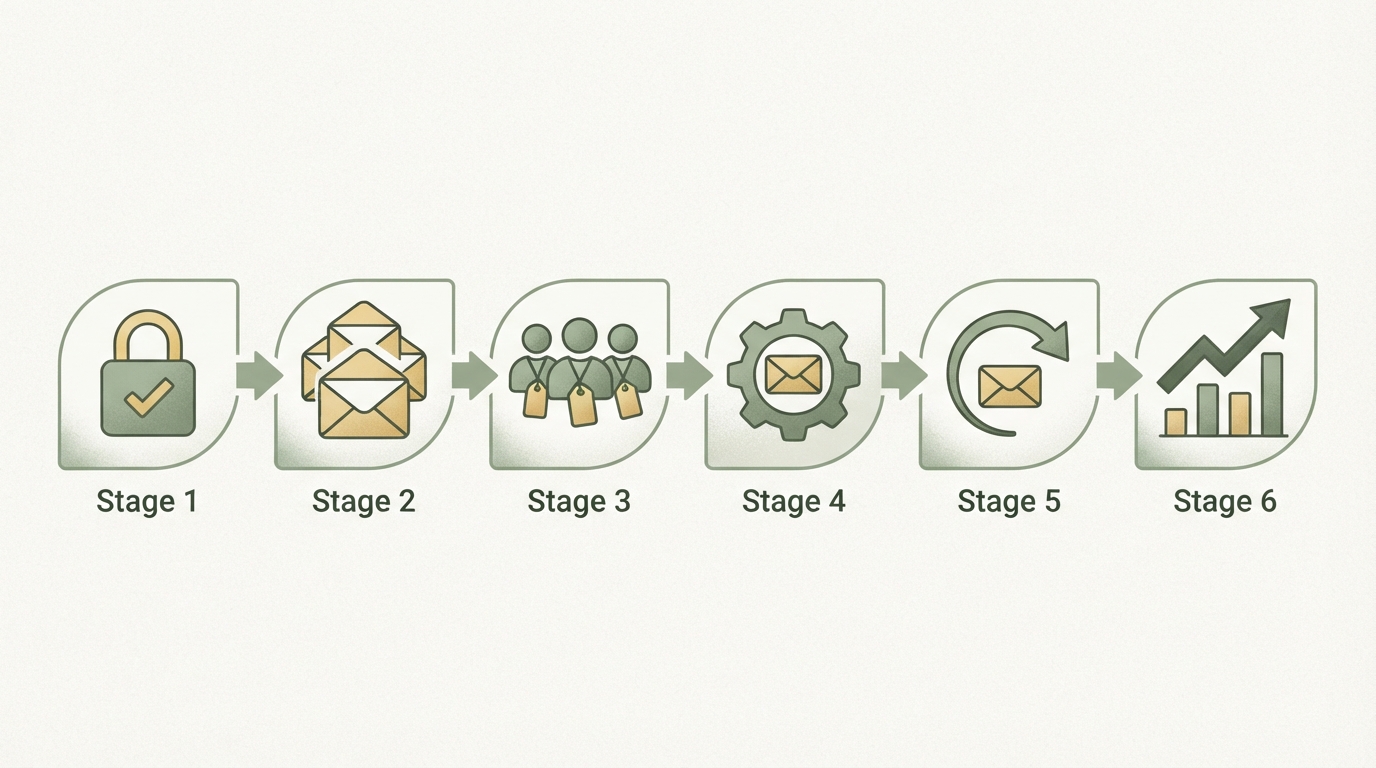
Step 1: Set up double opt-in and GDPR compliance properly
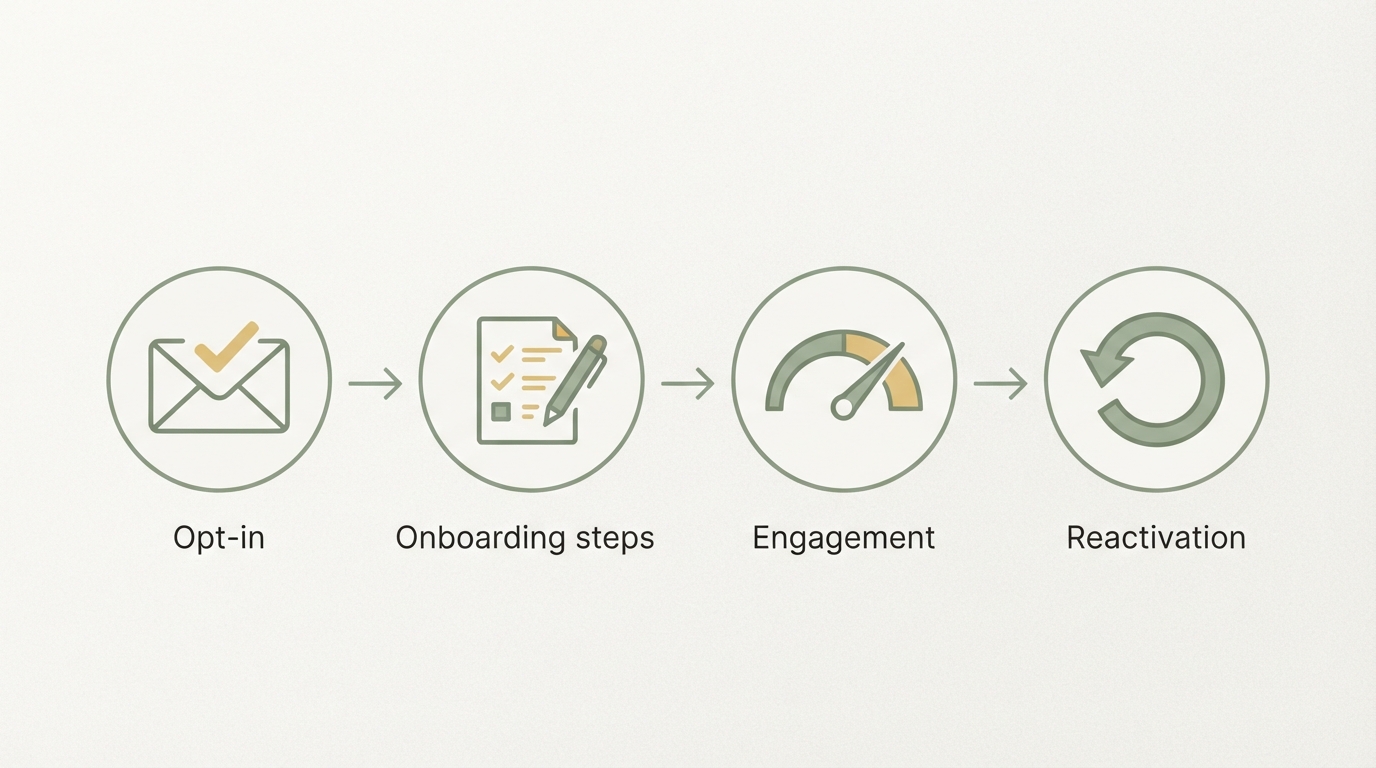
Double opt-in isn't just advisable in Germany — it's effectively the only safe way to send newsletters in a legally compliant way. The process is simple: the user signs up, gets a confirmation email, clicks the link — only then do they land on the list.
Here's the part people often forget: you have to document every proof of consent — timestamp, IP address, the form used. Most modern email tools (Mailchimp, Brevo, ActiveCampaign, KlickTipp) handle this automatically, but you should check whether the logs are actually exportable and accessible to you.
Three things your opt-in form needs to state:
- What the user will get (specific, not just "newsletter")
- How often you'll email them (roughly)
- That they can unsubscribe anytime
No pre-checked checkboxes, no "by signing up you agree to everything" buried in fine print. These are exactly the mistakes I keep seeing.
Step 2: The welcome sequence — your most important asset
A welcome sequence is the automated series of emails a new user receives right after signing up. It's the heart of SaaS email marketing, because it kicks in exactly when interest is at its peak.
Here's a structure that works:
| Timing | Content | |
|---|---|---|
| 1 | Immediately | Confirmation + one concrete first step |
| 2 | Day 1 | Avoiding the most common beginner mistake |
| 3 | Day 3 | A short success story (real user, real result) |
| 4 | Day 5 | The most overlooked feature |
| 5 | Day 7 | Direct offer or upgrade nudge |
Email 1 sounds trivial, but it's critical. No marketing fluff. No "congrats on signing up." Instead: one single action the user can take right now. "Connect your first data source" beats "Welcome to our community" every time.
Email 3 is the underrated one. A concrete example — ideally from a real user — builds trust in a way no product description can match. If you don't have user stories yet: write email 3 as a placeholder first and swap it in once you have feedback.
Step 3: Segmentation — not all users are the same
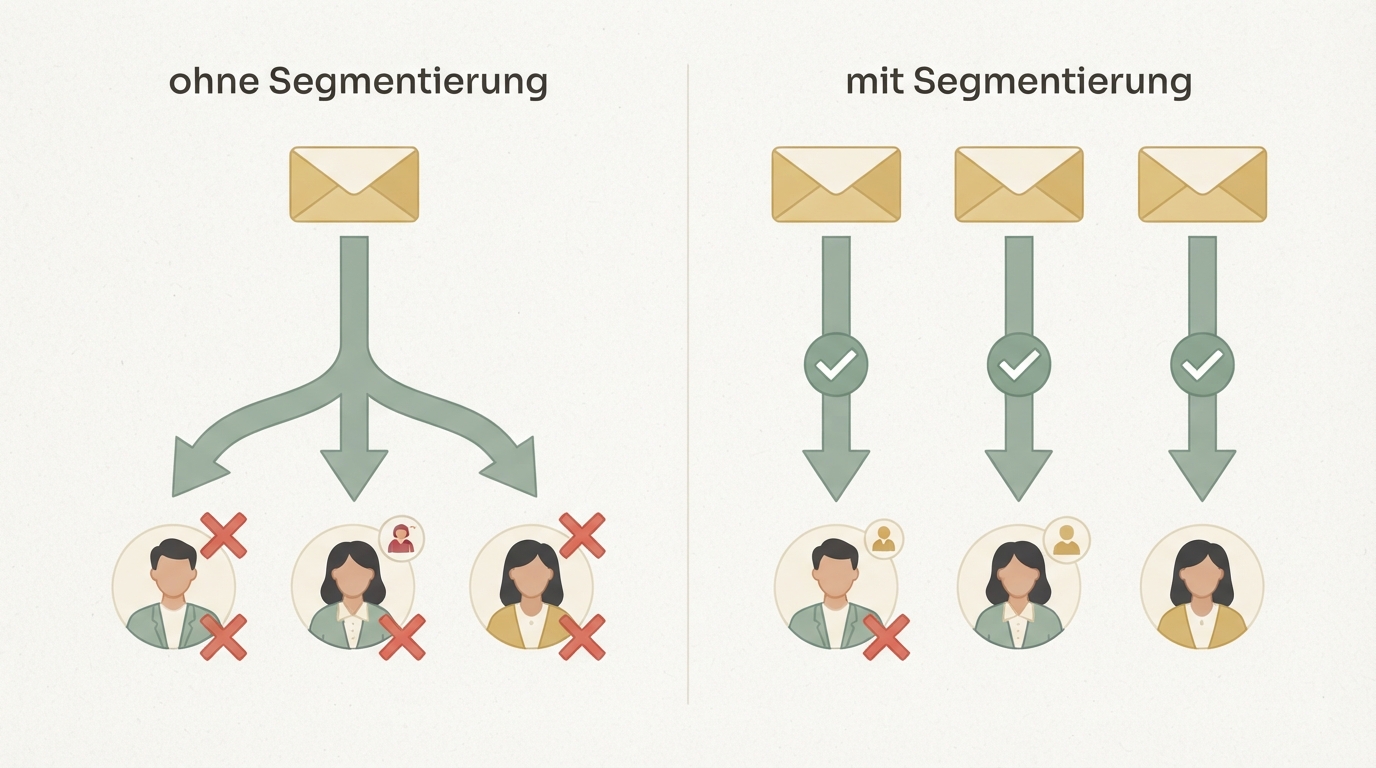
One of the most common mistakes: giving every user the same sequence. It sounds efficient, but it means free-tier users get the same emails as paying customers — and both end up feeling misaddressed.
Minimum segments for an early-stage SaaS:
- Trial users (haven't paid yet) → focus on activation and conversion
- Paying users → focus on deeper usage and expansion
- Inactive users (no login for 14+ days) → re-engagement sequence
Most email tools let you do this with simple tagging logic. You don't need a complex marketing automation suite for this, at least not at the start.
Time and again, I see that segmenting between trial and paying users is where the biggest lever is. The emails can look similar in content — but the tone and the goal are fundamentally different.
Step 4: Automate your newsletter without losing quality
Automating your newsletter doesn't mean churning out emails that feel robotic. It means building an infrastructure that sends consistently without you starting from scratch every week.
In practice, that looks like this:
- Identify evergreen content (tips that always hold true)
- Build an evergreen sequence of 8–12 emails that new users go through
- Keep separate "broadcast" emails for timely topics, new features, or offers
The evergreen sequence runs on autopilot. Broadcasts you write as needed. This is a distinction many founders don't make — they either automate everything (feels cold) or send everything manually (doesn't scale).
Once you know how to properly read your SaaS metrics, you'll quickly spot which emails in your sequence are performing and which ones need replacing. Open rate, click rate, and above all: the activation rate afterward.
Step 5: The re-engagement sequence — catch churn early
Re-engagement is the thing almost everyone tackles too late. If a user hasn't logged in for 30 days, they're usually already gone — at least mentally.
Start earlier. After 7–10 days of inactivity, a simple question is enough:
"I noticed you haven't really used [tool name] yet — is there a technical issue, or is something missing for you?"
No marketing fluff. A genuine question, ideally from a real address (not noreply@). Reply rates on emails like this are surprisingly high, and the feedback is gold.
Still nothing after another 7 days: make a concrete offer (extended trial, onboarding call, discount). Not as a given, but as a genuine gesture.
And if nothing has happened after 30 days: send one honest final email. "I'll be removing you from my list if I don't hear back." That sounds harsh, but two good things happen: either the user responds, or your list gets cleaner. Both beat a zombie contact dragging down your deliverability.
Churn, by the way, is closely tied to onboarding. If you want to know where most SaaS products fail on that front, it's worth checking out improving SaaS onboarding — it often reveals exactly which point in the customer journey is what makes your re-engagement emails necessary in the first place.
Step 6: What you should actually be measuring
Open rates are what everyone measures. They're also the least informative, especially since iOS 15 skewed open-tracking data.
What actually matters:
- Click-through rate (CTR): Did people do what the email asked them to?
- Post-email activation rate: Did the email actually lead to an action in the product?
- Trial-to-paid conversion: Which emails in the sequence correlate with conversions?
- Unsubscribe rate: A sudden spike shows an email hit the wrong note.
That sounds like a lot of tracking, but you don't need complex infrastructure. Most tools show CTR natively. The rest — activation and conversion — you can track with simple UTM parameters on your links and view in your analytics dashboard.
Personally, I find the most valuable metric is often the one people look at least. Once you know which email in the sequence contributes most to trial-to-paid conversion, you know exactly where to double down — more of that, earlier, with more emphasis.
Tool comparison: what fits which stage
| Tool | Best for | GDPR servers | Starting price |
|---|---|---|---|
| Brevo (formerly Sendinblue) | Early-stage, EU servers | ✅ EU | free up to 300 emails/day |
| KlickTipp | DACH-focused, double opt-in | ✅ DE | from approx. €27/month |
| ActiveCampaign | Complex segmentation | ⚠️ US (SCCs possible) | from approx. $15/month |
| Mailchimp | Brand recognition, integrations | ⚠️ US | free up to 500 contacts |
In the DACH market, I'd clearly recommend Brevo or KlickTipp in the early stage. Not because the others are bad, but because the effort needed for a legally compliant setup is significantly lower with EU-based servers.
If you scale later and need more complex automations, ActiveCampaign is a sensible next step. By then, though, you'll also have more resources to set up the data protection side properly.
How this all fits into a bigger system
Email is rarely your only channel. Good founders treat email as part of an acquisition and retention system, not as a standalone tool.
Across many projects, I keep seeing the same pattern: the ones who start early connecting email data with product data (who used which feature, who didn't) can make their sequences dramatically more relevant. A user who hasn't opened your core feature yet needs different emails than someone who logs in daily.
It's essentially the same principle as finding product-market fit: you listen to the signals users are already sending you — email behavior is just one more signal you can act on.
That step — connecting product data, user behavior, and automated sequences — is exactly the one many founders can't pull off alone. At Starte.ai, we work with founders to build exactly that: a data-driven growth strategy that ties email, organic content, and paid channels together. Over 350 completed projects show what tends to work — and what doesn't. A first strategy call costs nothing, and you can get started for free.
One more note on copywriting quality
Even the best sequence architecture won't help if the emails themselves are boring. That's not a small thing.
For your email copy, I recommend the same principle you'd use for any other marketing text: problem first, solution second, proof last. No product descriptions, no feature lists. Say what the user is actually thinking right now, not what you think about your product.
If you're unsure how good copywriting works in general, it's worth reading how to write good ad copy — the same principles apply to emails.
Email isn't a channel you build "later." The best time was six months ago; the second-best time is now. Start with the welcome sequence, get double opt-in set up properly, and measure what happens in the product after every email. Everything else you can iterate on.
Frequently asked
Do I absolutely need double opt-in for SaaS email marketing?
In Germany, double opt-in isn't explicitly required by law, but it's effectively the only safe way to prove consent if there's ever a dispute. Without it, you risk warning letters (Abmahnungen). Set it up.
How many emails should an onboarding sequence have?
Five to seven emails over the first ten days is a solid starting point. Fewer can work if each email is very targeted. More than ten emails in that window feels intrusive to most users, unless each one delivers real value.
What's a good open rate for SaaS emails?
Transactional emails (onboarding, confirmations) often hit 50–70% open rates. Marketing newsletters typically land between 20–35%, depending on niche and list hygiene. These numbers vary a lot — treat them as a rough guide, not a fixed target.
Which email tool is GDPR-compliant for the German market?
Brevo (EU-based servers) and KlickTipp (Germany-based servers) are the simplest options from a data protection standpoint. With US tools like Mailchimp or ActiveCampaign, you'll need to account for Standard Contractual Clauses (SCCs) and an up-to-date data protection audit.
Written by
Bohdan BernatekFounder, Starte.ai
Founder of Starte.ai. Built a business to 125,000+ organic leads and seven-figure revenue — and now works with founders personally, deriving a strategy for their own brand from data across thousands of real projects and producing the creatives for it.