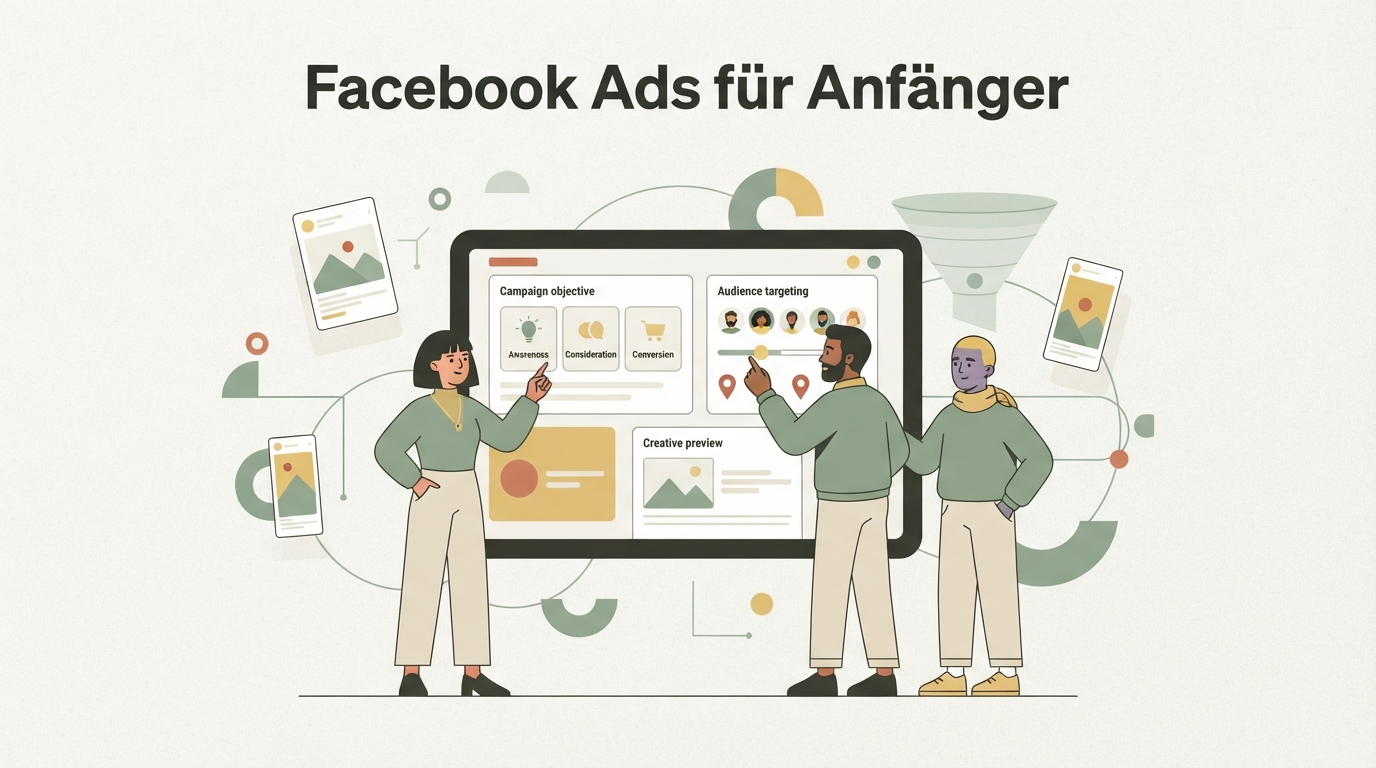
Facebook Ads for beginners really comes down to one thing: don't try to do too much at once. Most people start with five audiences, three ad formats, and two offers all at the same time — then wonder why nothing works. Let me show you a simpler, more honest way to approach this.
The mistake I see over and over: people pour all their energy into targeting and forget about the creative. But it's usually the other way around. The ad itself decides whether someone stops and reads — not whether you picked "hiking" or "yoga" as an interest.
Facebook Ads for beginners: why first campaigns almost always fail
Most first campaigns don't fail because of budget — they fail because of too much complexity at once. When you're starting from zero, it's tempting to test everything simultaneously: multiple audiences, multiple creatives, multiple offers. The result: Meta's algorithm doesn't get clear signals, your budget gets spread thin across too many variations, and in the end you have no idea what actually caused the problem.
I made this mistake myself when I started. You'd think more options mean more chances. But that's not true. Meta needs data to learn — and the more you split things up, the longer it takes for any single combination to gather enough data to tell you anything meaningful.
What actually matters at the start: one offer, one audience, a handful of creatives. Sounds obvious. But it's the difference between a campaign you actually learn from and one that just burns money.
Step 1: Pick one offer per campaign
Before you set anything up in Meta, you need exactly one offer that the campaign promotes. Not "my store" or "my product range" — a specific offer with a clear next step for the user. For example: a specific product on sale, a free discovery call, a lead magnet in exchange for an email address.
Here's why this matters so much: every extra offer in the same campaign dilutes the message. The ad becomes less clear, the landing page suddenly has to cover multiple scenarios, and in the end you can't tell which offer actually worked.
Before you lock in your offer, it's worth checking what's already working in the market. If you're still not sure your niche has real demand, How to Find a Profitable Niche is a good first step before you put any money into ads.
Step 2: Keep your campaign structure simple
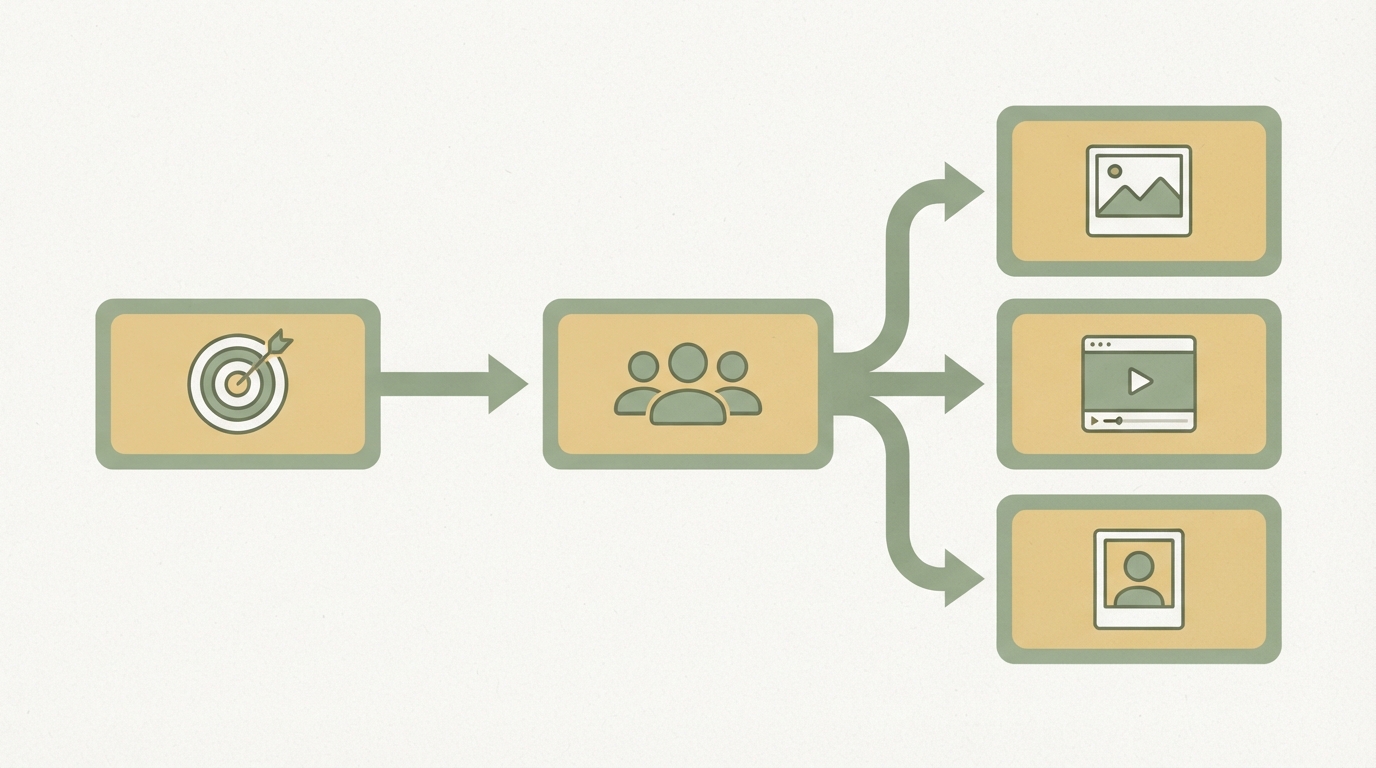
For your first ad campaign, a simple three-level structure is enough: one campaign, one ad set, two to three ads. Meta organizes campaigns into three levels — campaign, ad set, and ad. At the campaign level you set the objective (e.g. conversions or traffic), at the ad set level you set budget and audience, and at the ad level you handle the actual creative.
At the start, you don't need ten ad sets with different interests. One broad audience plus two to three different creatives is plenty to get your first signals. Meta itself has made its machine learning systems increasingly powerful over the past few years — in practice, this means automated, broader targeting often works better than extreme manual narrowing, because the algorithm has more data and more options to find the right people.
Which campaign objective to choose
For most beginners, "Conversions" or "Traffic" works, depending on whether your landing page is already set up for a specific goal action. If you've got the Meta Pixel or Conversions API correctly installed and you've already had a few sales or leads, "Conversions" is almost always the better choice. Without any history at all, "Traffic" can make sense as a starting point, just to gather clicks and data.
Step 3: Keep your audience broad, not surgical
With Meta Ads, it pays off to leave the audience relatively broad and let Meta handle the fine-tuning. Many beginners try to build a "perfect" audience using ten interests and exclusions. The problem: the narrower the audience, the more expensive and slower the delivery, because Meta has fewer people to optimize across.
A sensible starting point: narrow down age and location roughly (e.g. your delivery area or country), add one or two relevant interests, and that's it. If you already have customer data — even just a small email list — you can build a Custom Audience from it and later create a Lookalike Audience. This usually beats ten manually chosen interests.
Step 4: Build the creative that actually matters
The creative decides success or failure more often than targeting does, because it determines whether someone even stops scrolling in their feed. You can nail the perfect audience — but if the ad doesn't grab attention in the first second, the person just keeps scrolling.
What makes a creative strong for beginners:
- A clear hook in the first 2–3 seconds (for video) or at first glance (for image)
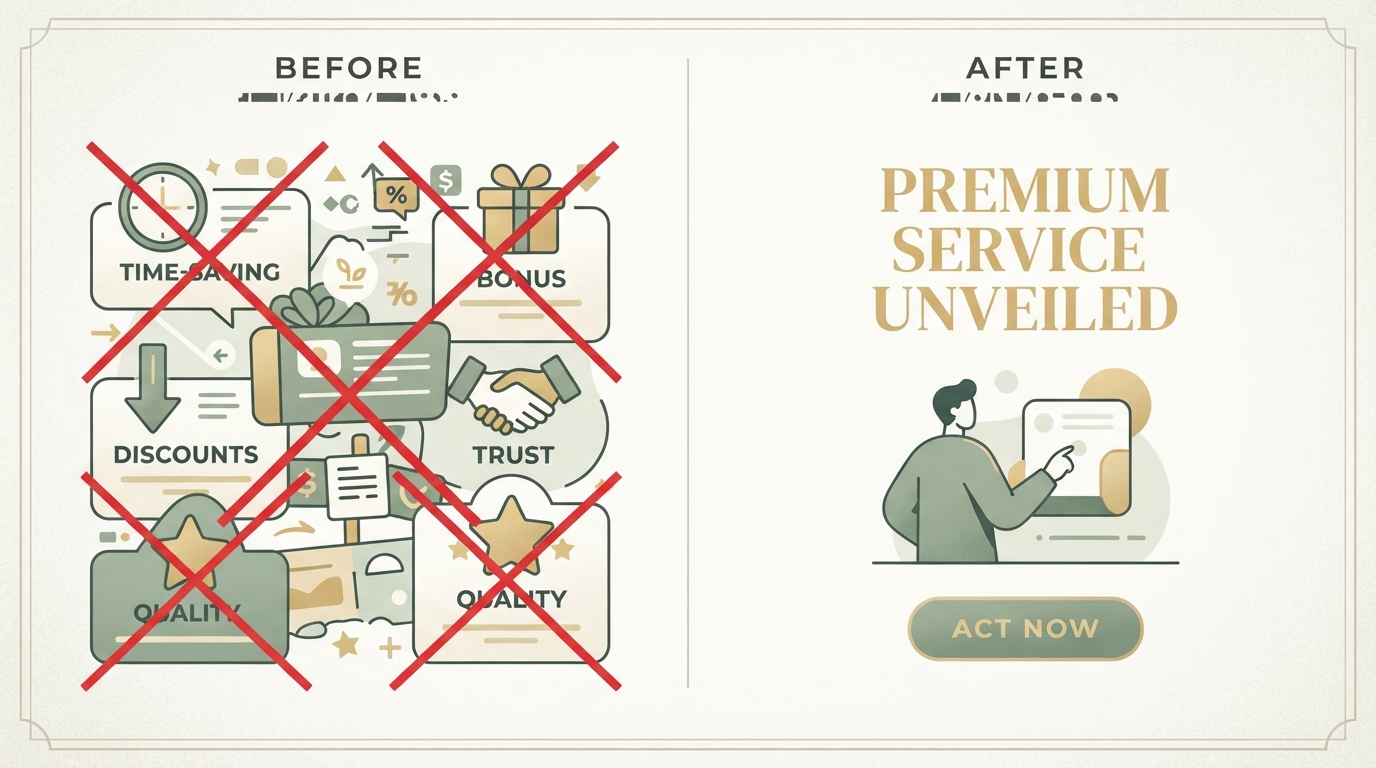
- One message, not a waterfall of features — one benefit, not five
- Copy that sounds like a human wrote it, not a brochure
- A visible, concrete next step (call-to-action)
I've written in more detail about how to actually write this kind of copy without it sounding like textbook ad-speak in How to Write Good Ad Copy. The core idea applies here too: people are more likely to buy out of curiosity than under pressure. An ad that smells too much like a sales pitch often gets skipped — one that reads like a helpful tip usually doesn't.
Image or video — which first?
For starting out, a simple, well-made image creative is completely sufficient. Video can come later, once you see what's working. What matters more than the format is that the creative shows what the user actually gets — not a stock photo of smiling people at a laptop, but the product, the result, or the problem you solve.
Step 5: Launch your ads and set your budget
When you launch ads for the first time, a small daily budget you're comfortable with financially is enough, combined with a test period of at least 5–7 days. Too small a budget over too short a period simply doesn't deliver enough data. Meta needs a certain volume of delivery before optimization can even kick in.
Important: don't keep touching the campaign in the first few days. If you change budget, audience, or creative every day, you keep resetting the learning phase. This is one of the most common beginner mistakes — impatience leads to constant optimizing before there's even enough data to make a real decision.
What to actually watch in the first few days
In the first few days, three numbers matter most: CTR (click-through rate), CPC (cost per click), and, if available, cost per result (e.g. per lead or purchase). These three numbers tell you early on whether the ad is getting attention at all, and whether that attention stays affordable.
| Metric | What it shows | What to watch for |
|---|---|---|
| CTR | How often people click after seeing the ad | Low CTR usually points to a weak creative, not the wrong targeting |
| CPC | What a click costs | Strongly fluctuating CPCs in the first few days are normal — don't overreact yet |
| Cost per result | What a lead/purchase actually costs you | The most important number — but only meaningful once you have enough volume |
| Frequency | How often the same person sees the ad | If it climbs quickly, the audience is often too narrow |
If cost per result stays consistently too high over several days and you've already tested multiple creatives, it's sometimes worth looking back at the offer itself — not just the ad. Does the offer really fit the audience? This often circles back to the question of product-market fit, covered in more detail in How to Find Product-Market Fit.
What beginners often overlook: checking the competition first
Before you even build your first creative, looking at ads from similar providers can help you avoid mistakes others have already made. Many people start completely from scratch, even though almost every niche already has ads you can learn from — which hooks work, which formats get used, how others phrase their offer. The mistake here is copying instead of understanding why something works. More on this in Analyzing Competitor Ads.
Almost no one does this step thoroughly on their own — keeping a constant eye on competitor ads, spotting patterns, aligning your own offer with them. At Starte.ai, we work with data from thousands of real projects, analyzed by people who have built campaigns themselves, and use that to figure out which strategy is most likely to work in your market. This has helped contribute to what now adds up to over 125,000 generated leads across various projects — no guarantee for your results, but a sign that a systematic approach usually pays off. If you'd like, a first strategy call is free, and getting started comes with no obligation.
What beginner campaigns can learn from real products
Even established SaaS products start with simple campaign structures before scaling up in complexity. A look at real projects shows just how different traffic and estimated revenue can be depending on the niche.
Snaptrade, for example, sits at around an estimated 142,000 visits per month by our estimates — a sign that even in fairly technical, explanation-heavy niches like fintech APIs, organic and paid growth can work together. That doesn't mean Facebook Ads are the main driver there, but it does show: growth rarely comes from a single channel — it comes from several that reinforce each other.
Common beginner mistakes at a glance
| Mistake | Why it hurts | Better alternative |
|---|---|---|
| Multiple offers in one campaign | Dilutes the message, makes analysis harder | One offer per campaign |
| Targeting too narrow | More expensive, slower delivery | Start broad, let Meta optimize |
| Too small a budget over too short a time | Not enough data for real conclusions | Run for at least 5–7 days |
| Changing the campaign daily | Keeps resetting the learning phase | Only adjust once you have enough data |
| Focusing only on targeting | Creative gets neglected | Test multiple creative variations |
Small niches, big impact: why creative tests often beat audience fine-tuning
Rob Walling often describes in his work on bootstrapping how small, focused steps over time beat one big, perfectly planned move. That applies directly to beginner campaigns: instead of spending weeks hunting for the perfect audience, you're better off testing three simple creative variations against each other and learning from what actually works.
A creative test is simple: same audience, same offer — only the image or opening line changes. After a few days, you'll see which variation brings more clicks at a reasonable cost. That's more honest than any guess about what the audience "probably likes."
Start with one offer, a simple structure, and two or three creatives. Let the campaign run for at least a week before you judge it. And if the numbers aren't working, look at the creative first — then the targeting.
Frequently asked
How much budget do I need for my first Facebook Ads campaign?
There's no fixed number that fits every niche. What matters more than the amount is that the budget runs steadily for at least 5–7 days, so Meta can gather enough data before you make any decisions.
Do I need to install the Meta Pixel before I start?
Yes — it's almost always worth doing before your first campaign, even if you don't have any sales yet. The earlier the Pixel starts collecting data, the better Meta can optimize later, and you won't lose time building up your data foundation.
Why is my ad performing poorly even though the targeting is right?
In most cases, it's the creative, not the targeting. If CTR is low, the ad isn't stopping people in their feed — that's rarely fixed by switching audiences, and more often fixed by a different image or a different opening line.
Should I start with Instagram or Facebook placements?
For beginners, it's usually better to let Meta choose automatic placements rather than restricting them manually. The algorithm then puts your budget wherever results are currently best, and that can shift over the course of the campaign.
Written by
Bohdan BernatekFounder, Starte.ai
Founder of Starte.ai. Built a business to 125,000+ organic leads and seven-figure revenue — and now works with founders personally, deriving a strategy for their own brand from data across thousands of real projects and producing the creatives for it.